
PCB Design with Altium Designer (Technical Drawing)
The PCB Design with Altium Designer (Technical Drawing) course equips participants with the skills to create schematic drawings, design PCB layouts, and generate essential outputs like fabrication files and BOMs. Learners will also master library creation, multi-sheet design, and efficient project management for handling complex PCB projects.
Altium Designer Advance Training
This 3-day course is aimed for user who has laid a firm foundation through Altium Designer Basic Level Training. The main objective is to enable participants to use Altium Designer to drive their skill forward and require the more advanced features to efficiently tackle more complex design challenges.
Altium Designer 25 and Future of Concurrent Design
Join our webinar to master Altium Designer 25 and enhance collaboration in high-complexity PCB projects! In the fast-evolving world of electronics, collaboration is key to efficient product development and innovation. Altium Designer 25 emerges as a powerful platform designed to bridge traditional gaps, enabling seamless collaboration across teams and improving the efficiency of high-complexity PCB […]
Team Dynamics by PCB CoDesign in AD24
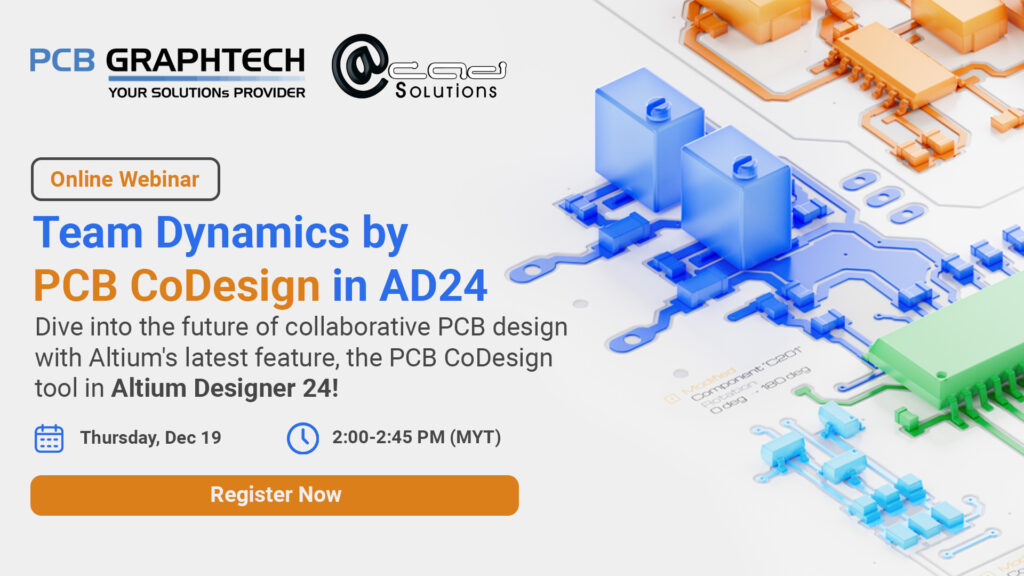
Dive into the future of collaborative PCB design with Altium’s latest feature, the PCB CoDesign tool in AD24! Discover how the PCB CoDesign tool allows multiple designers to work on the same PCB layout simultaneously, extending Altium’s version control system. Learn about the compare and merge tool, a game-changer for detecting, comparing, and resolving conflicts […]
Altium Designer Simulation Training
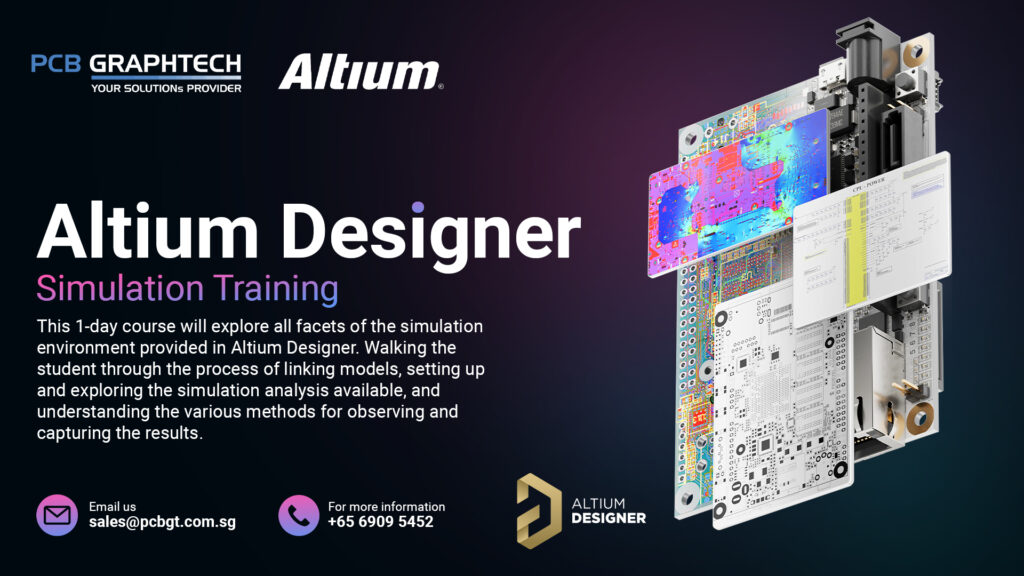
This 1-day course will explore all facets of the simulation environment provided in Altium Designer. Walking the student through the process of linking models, setting up and exploring the simulation analysis available, and understanding the various methods for observing and capturing the results.